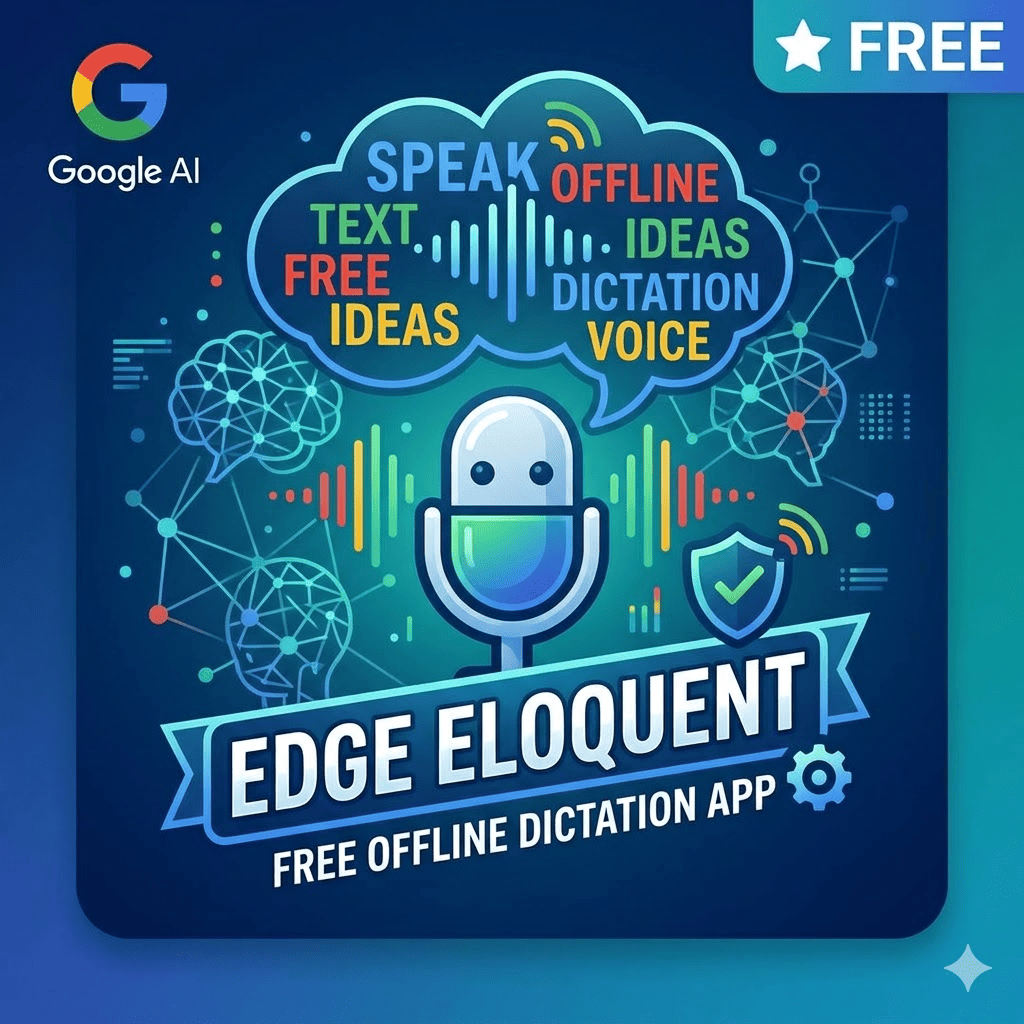
Google has quietly released Google AI Edge Eloquent on iOS. Google AI Edge Eloquent is a free, offline-first AI dictation app that transcribes speech in real time, automatically removes filler words like “um” and “ah,” and polishes raw spoken input into clean, ready-to-use text, with no subscription and no usage limits. The app runs on Gemma-based automatic speech recognition models downloaded directly to the device, meaning it works without an internet connection. An Android version is in development.
Why it is named Google AI Edge “Eloquent”?
Eloquent means expressing yourself clearly, fluently, and persuasively, in speech or writing. The app’s entire purpose is to take messy, hesitant natural speech and transform it into exactly that: polished, articulate text that sounds considered and well-expressed. The name describes the output, not the input.
What Google AI Edge Eloquent Actually Does
Google AI Edge Eloquent is a live dictation app that does 2 things standard voice-to-text tools do not: it removes the mess of natural speech automatically, and it lets you choose how the final output is formatted.
How it works in 3 steps:
- You speak: The app displays a live transcription in real time as you talk
- You pause: The app automatically filters out filler words, self-corrections, and verbal stumbles, outputting clean prose
- You choose a format: 4 output options transform the polished text into the style you need
The 4 output format options are:
- Key points: Condenses the spoken content into bullet-point summaries
- Formal: Restructures the text into professional, polished language
- Short: Compresses the transcript into a concise version
- Long: Expands and elaborates on the spoken content
Is This the Same as Speech-to-Text?
This is the most common question about Google AI Edge Eloquent, and the answer is no, with 1 important distinction.
Standard speech-to-text tools transcribe exactly what you say, including every “um,” “uh,” false start, and mid-sentence correction. What you speak is what you get.
Google AI Edge Eloquent transcribes what you meant to say. It uses AI to interpret the intended meaning behind raw speech and outputs clean text that reads as if it were written, not spoken. The difference matters most for anyone who dictates emails, notes, meeting summaries, or documents, where the raw transcript of natural speech would require significant editing before use.
2 Processing Modes: On-Device vs. Cloud
Google AI Edge Eloquent supports 2 processing modes, giving users direct control over privacy and output quality.
| Mode | Processing Location | Model Used | Internet Required |
| Local (offline) | On-device only | Gemma-based ASR | No |
| Cloud mode | Google’s servers | Gemini cloud models | Yes |
1. Local mode
In Local mode, Google AI Edge Eloquent processes everything on the device. No data leaves the phone. This is the app’s core differentiator and the reason “Edge” appears in its name. Edge computing refers to on-device computation rather than cloud processing, keeping AI inference local rather than sending it to remote servers.
2. Cloud mode
In Cloud mode, Google AI Edge Eloquent uses Gemini-based cloud models for more advanced text cleanup and refinement. Users enable or disable cloud mode based on their preference for output quality versus privacy.
Who This App Is For: iOS Users or Android Users?
Right now: iOS users only.
Google AI Edge Eloquent launched exclusively on iOS and is currently available as a free download from the App Store. Once the Gemma-based ASR models are downloaded to the device, the app works fully offline without any ongoing connection requirement.
Android users: coming, but not yet available.
The App Store listing explicitly references an Android version in development. Planned Android features include:
- System-wide default keyboard integration: Eloquent set as the default keyboard, enabling dictation in any text field across any app
- Floating button access: A persistent button accessible from anywhere on the screen, similar to the floating transcription button used by competitor Wispr Flow on Android
The Android release timeline has not been confirmed. An Android user who wants Google AI Edge Eloquent today does not access it. The iOS-only launch is a notable irony for an app built by the company that makes Android.
Personalisation and Usage Tracking
Beyond transcription, Eloquent includes 3 personalisation and tracking features that competing apps often charge subscription fees to unlock:
- Custom vocabulary import: Users are able to import specific names, keywords, and technical jargon from their Gmail account if permission is granted, improving recognition accuracy for specialised language
- Manual custom word list: Users are also able to add their own words directly without requiring Gmail access
- Usage metrics: The app tracks words spoken in the last session, words-per-minute speaking speed, and total cumulative words spoken across all sessions
Session history is stored and searchable, allowing users to retrieve past transcriptions without re-recording.
Who Are Its Competitors
Google AI Edge Eloquent enters a growing category of AI-powered dictation tools that are gaining adoption as speech recognition improves. Its 4 direct competitors cover the same use case from different angles.
| App | Platform | Pricing | Offline Mode |
| Google AI Edge Eloquent | iOS (Android coming) | Free, no subscription | Yes |
| Wispr Flow | iOS, Android, macOS | Paid subscription | Limited |
| SuperWhisper | macOS, iOS | Paid subscription | Yes |
| Willow | iOS | Paid subscription | Partial |
Eloquent’s combination of free pricing, no usage limits, and full offline capability is its primary competitive advantage. Wispr Flow’s floating button on Android (a feature Eloquent plans to replicate) is currently the strongest implementation of system-wide dictation access on that platform.
Final Takeaway
Google AI Edge Eloquent is a genuinely useful app for anyone who thinks faster than they type, including writers, professionals, students, and anyone who dictates notes, emails, or documents. The combination of free access, no subscription, offline processing, and automatic text cleanup addresses the 3 main barriers that have kept AI dictation apps from mainstream adoption: cost, privacy, and the frustration of receiving a verbatim transcript of your natural speech mess.
The iOS-only launch is the one real limitation. Android users will need to wait for a timeline Google has not yet committed to.
AI tools, app launches, and the technology changing how we work and communicate, our newsletter covers every release worth knowing about. Subscribe and stay ahead.